Plug popup
componentThe subclass-plug inspect flyout — the in-game tooltip for abilities, aspects, fragments, supers, and subclasses, the counterpart to ItemPopup for non-gear plugs.
Install
npx shadcn@latest add @engram/plug-popupRegistry item: /r/plug-popup.json — the machine-readable definition agents install from.
Example
Gunslinger
Solar Subclass
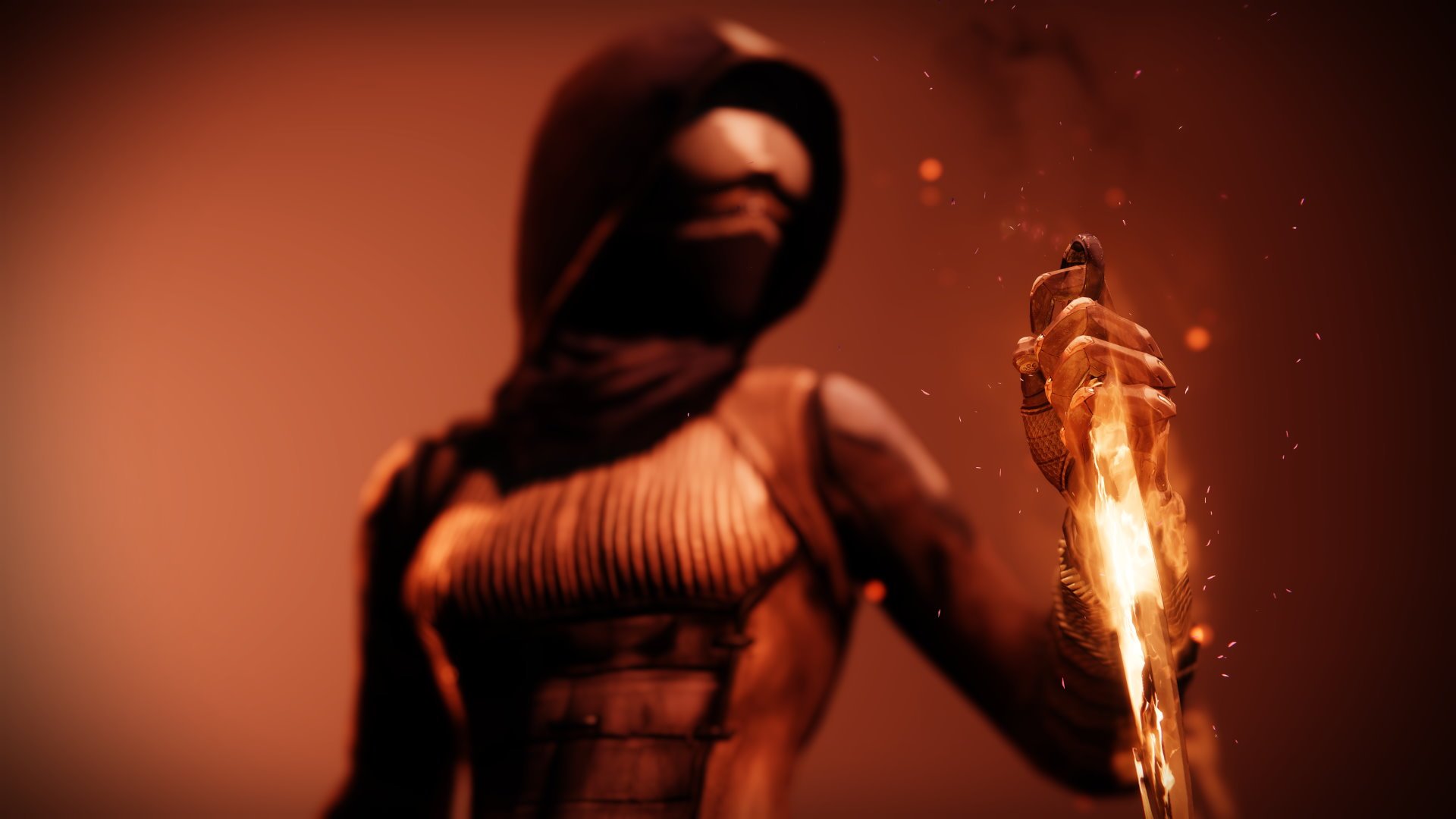
A lone wolf who lives for the perfect shot.
Summon a rapid-fire flaming pistol that scorches and disintegrates targets with Solar Light. Final blows with this weapon refund a Golden Gun round and extend your super duration. Benefits from being radiant.

Your weapons are enhanced by the power of the Traveler and deal increased damage to combatants. While you are radiant, your weapons pierce the shields of Barrier Champions and stun them.

The target is singed by destructive Solar Light, taking damage over time. Scorch damage increases as the target accumulates more Scorch stacks. After enough Scorch stacks are applied to the target, they ignite.
Gunpowder Gamble
Solar Aspect

A book of matches, just one left. Light 'em up.
Defeat targets to charge up an improvised Solar explosive. Throw a Solar explosive that can be shot in mid-air to cause an ignition.

A large Solar explosion which deals damage in an area around the target and stuns Unstoppable Champions.
Props
| Prop | Type | Default | Description |
|---|---|---|---|
footer | ReactNode | — | Action buttons (e.g. an Apply button). |
className | string | — | — |
name* | string | — | — |
subtitle | string | — | Plug category line, e.g. "Arc Grenade", "Arc Aspect", "Void Fragment". |
element | ElementType | — | Subclass element — tints the header band and the highlighted keywords. |
banner | ImageRef | — | Wide banner art beneath the header — the plug's `secondaryIcon` (a ~525×150 image). Note: subclass plugs have no `screenshot` (Bungie only sets that for equippable gear); `secondaryIcon` is the field that carries this art. |
flavor | string | — | Italic flavor line (aspects usually have one). |
description | string | — | Body description. Terms listed in `keywords` are tinted within it. |
keywords | string[] | — | Plain terms within `description` to tint in the element/accent color (e.g. element words like "Solar", or any emphasis that needs no definition). |
definitions | PlugKeyword[] | — | Mechanic keyword definitions rolled into the popup — the in-game ancillary panel (icon + name + effect), e.g. Scorch / Ignition / Bolt Charge / Jolted. Their names are also tinted where they appear in `description`. |
fragmentSlots | number | — | Aspects only: number of fragment slots → that many diamond pips. |
meta | PlugMetaRow[] | — | Foot meta rows, e.g. "Binds to:" + keybind, "Base Cooldown:" + "2:32". |
Composition
pulled in on install- plug-popupcomponent
- bungie-imageatom
- key-hintatom
- panelatom
Dependencies
npmOwn the code: shadcn add copies this component's source into your repo to read and edit directly. Extend without forking — edit the source, use asChild to swap the element, or pass the typed annotations prop for curated data.